Free HDR video tutorial

Free HDR video tutorial

MASTER EXPOSURE BLENDING

Find the best ones

Find the best ones

TOP PHOTOGRAPHY SPOTS

Free wallpapers

Free wallpapers

HIGH-RESOLUTION WALLPAPERS

editing2

Behind the screen

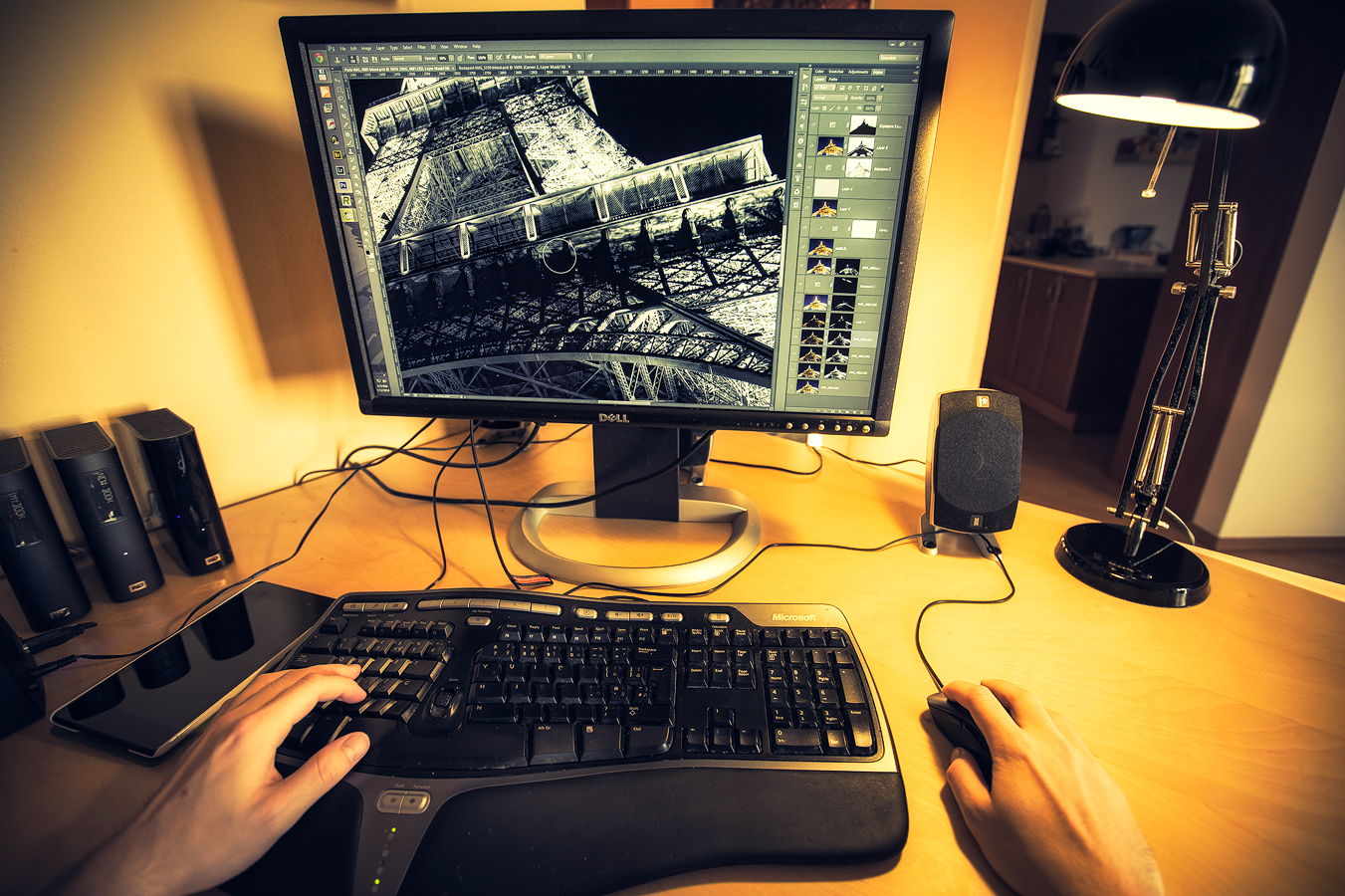
Few days ago, I was in the mood to take some photos, but the weather was just ugly. So instead I set up my camera behind my desk and got this. My point of view while editing photos :). I think I should have made it a recursion, which I still maybe will.

Under the bridge arch

I have an exact idea of a photo I want to get from this point. A perfect reflection of the castle and the bridge, so getting a nice symmetry in the photo. But until I get that, I have to be satisfied with this, a very un-perfect reflection. The Danube was just not calm enough when I took this.

This is a HDR from 3 exposures in Oloneo (I took 5, but some were too blurry from how much the bridge I was standing on was shaking) and blended with the original exposures in Photoshop.
Under the bridge arch

Second try

Today I tried for a second behind the scenes video. It’s a little better than last time, but still not as I would like it. But I still hope some of you will find it interesting :)

Again this is taken from a GoPro camera attached to my backpack strap, so please excuse the crazy framing :)

Not so colorful

Even with the lovely sunset, the photo came out not so great. Not really sure why. They are quite un-colorful. The light really was strange. So for today I chosen one from the blue hour today, as I will have to work more on the sunset ones to get some good results.

This is a HDR from 6 shots created in Oloneo Photoengine and then blended with original exposures in Photoshop.
Not so colorful

An we have another Tuesday here, and another process post. For today I have chosen an evening shot from Paris, so lets take a look at it.

Framed by pillars

For this photo, I took 6 exposures, but used only 5. I had no need for the +2EV. As always I started in Lightroom, where I corrected the white balance, horizon line a cropped the image. From there I loaded all the brackets into Photoshop and continued with the following edits (layers numbered from bottom up):

1. -2EV exposure to start with, as I usually start with the one, from which I want to use the sky
2. -3EV exposure to tone down few bright spots
3. -1EV exposure to brighten the foreground
4. 0EV exposure to brighten the foreground even more
5. +1EV exposure to brighten the trees
6. added detail using a high pass filter
7. Color Efex pro contrast, to bring more local contrast into the photo, but then toned down with opacity at 60%
8. a little bit of overall contrast using curves

And that was all.

Framed by pillars

Here you can see the original 0EV exposure, for the camera info, please visit the original blog post.

Framed by pillars

While waiting for the blue hour

I was getting bored while waiting for the blue hour, and since I had a new GoPro Hero 3+ with me and a POV mount, I thought I test it out and make a little behind the scenes video.

I just think I sound strange. Not sure if it’s because GoPro, the cold (I was shaking :)), that I’m a little sick, or because everybody finds it strange to listen to own voice. But I still hope you can understand me. Btw. sorry for the quality and framing. This is my first video with the GoPro, and I don’t yet have a grasp on what everything is in the view.

Low Danube under the Apollo bridge

And this is one of the photos I took today, around 30 minutes after the video. The blue hour was not completely blue, but still quite interesting. As the Danube is also quite low now, I could get much closer to the bridge as usually, and so get a much better view. Of course I almost feel on the rocks many times, but that’s always the risk. At least they were only covered by mud and not frozen :)

This is a HDR from 6 shots created in Oloneo Photoengine and then blended with original exposures in Photoshop.
Low Danube under the Apollo bridge

Topaz-Adjust-02

Topaz Adjust 5 Review

Another addition to the review section, and another post-processing plugin. This time it’s the Topaz Adjust 5. Please continue to the Topaz Adjust 5 review page for more info about it. Or you could visit the Reviews page, to see all that are available.

Locked in the morning

Somehow recently I look more for frames in my composition. It’s just something different, as not many people use this type of composition that much, and the results are quite unique and new views of classic spots. So I did the same here, where I took a photo of the Triple bridge through the railing (and the love locks) of the Butcher’s bridge. And as I took this around 5am, I had the whole city center just for myself :)

This is a HDR created from 5 exposures in Oloneo Photoengine and finished in Photoshop. The HDR was used mostly to brighten the image, as the railing was very bright compared to all other parts of the image, due to the laps under it.
Locked in the morning

FREE EBOOK!!!
Subscribe to my newsletter and get a free Capturing fireworks ebook. 
Subscribe